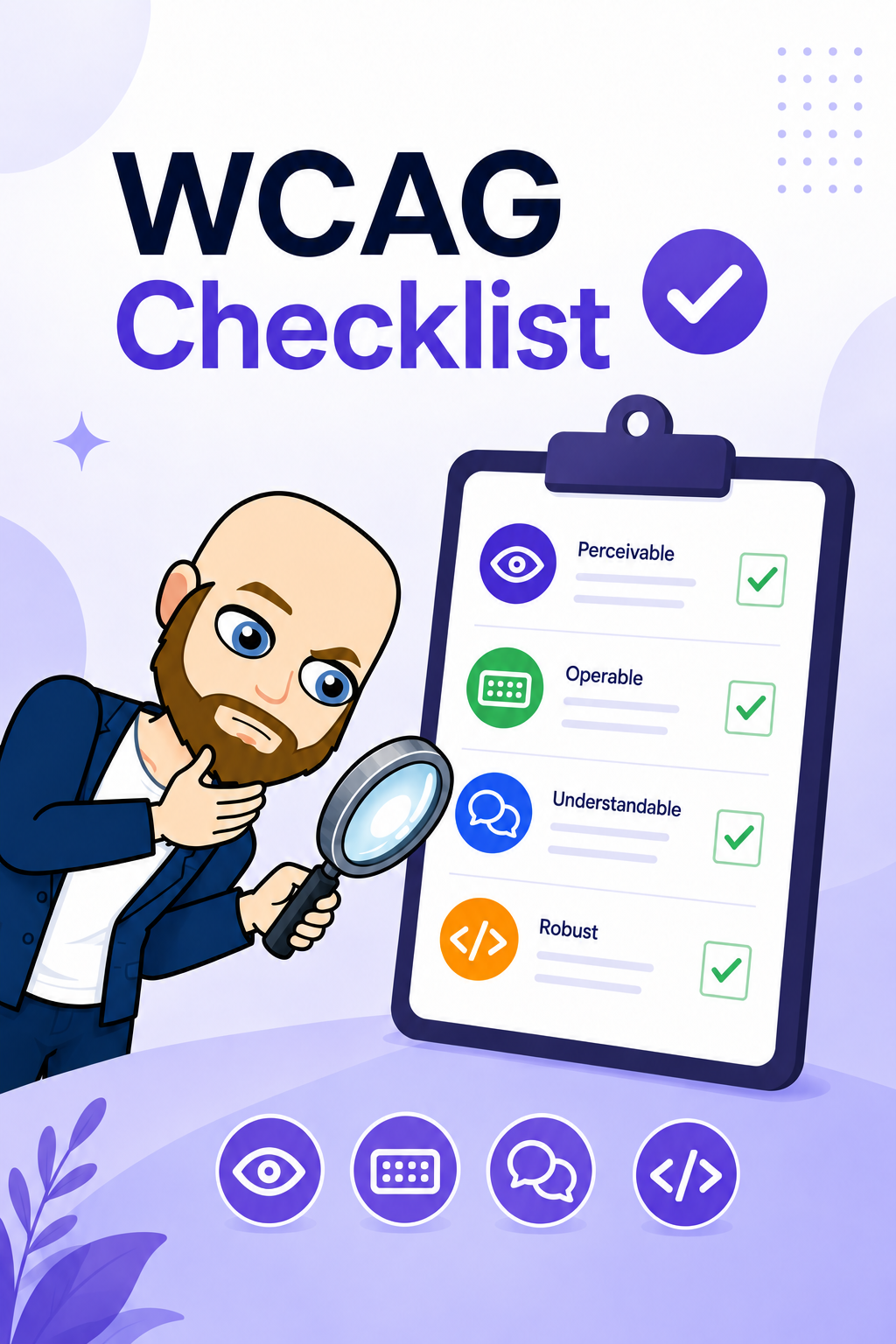
Make every experience accessible from the start

WCAG 2.2 Accessibility Checklist

Review accessibility against WCAG 2.1 or 2.2. Check each criterion, record your findings, and export your results to help make websites more accessible.

An independent guide to the Web Content Accessibility Guidelines. Results stay in this browser; export a copy to keep them. Content reviewed 14 October 2026 Β· edition 1.1.

Start Checking Open Audit Tool
55Total criteria
0Passed
0Failed
All criteria
Showing 55 WCAG 2.2 criteria at levels A and AA.

Choose export format

Exports include all criteria for the selected WCAG version and level. View filters do not remove criteria. Explain every N/A in its note; an export is a record of your evaluation, not a certificate of conformance.

Optional report context

Audit scope and methodology

Record what was actually tested. These details are saved locally and included in CSV and PDF exports.

Optional issue details

Failure details

About WCAG

A shared standard for accessible digital experiences

The Web Content Accessibility Guidelines (WCAG) are an international standard from W3C for accessible web content, including websites, web apps, and mobile web experiences.

The Android and iOS suggestions are implementation tips. For native software and non-web documents, consult WCAG2ICT, which provides informative adaptations. These short tips are not a complete assessment method for a native application.

WCAG, EN 301 549, and the European Accessibility Act are related but not interchangeable. EN 301 549 version 3.2.1 maps web requirements to WCAG 2.1 Level AA. The European Accessibility Act applies to defined products and services through national law. Use the applicable legal and procurement requirements for your project; this checklist is practical guidance, not legal advice.

PerceivableUsers can see, hear, or otherwise consume content through alternatives, captions, contrast, and structure.
OperableInterfaces work without a mouse, avoid traps, show focus, and support predictable interaction.
UnderstandableContent, navigation, labels, messages, and behavior are clear, consistent, and easy to follow.
RobustCode and components expose names, roles, states, and values so assistive technologies can use them reliably.